Driver communication
Hear the original report, read its English interpretation, and involve dispatch with the load details.
Driver report and conversation details
- 01
Check what the driver said
The office reviews original driver audio and available transcripts beside English interpretation, correcting details when needed. Retaining the original gives staff a reference for uncertain names, locations, or instructions instead of replacing the source.
- 02
Keep load details beside the conversation
Where pilot access is enabled, participants open the separate interpreter with load details beside the conversation controls. That context keeps load references available during the exchange; voice reporting alone does not grant interpreter access.
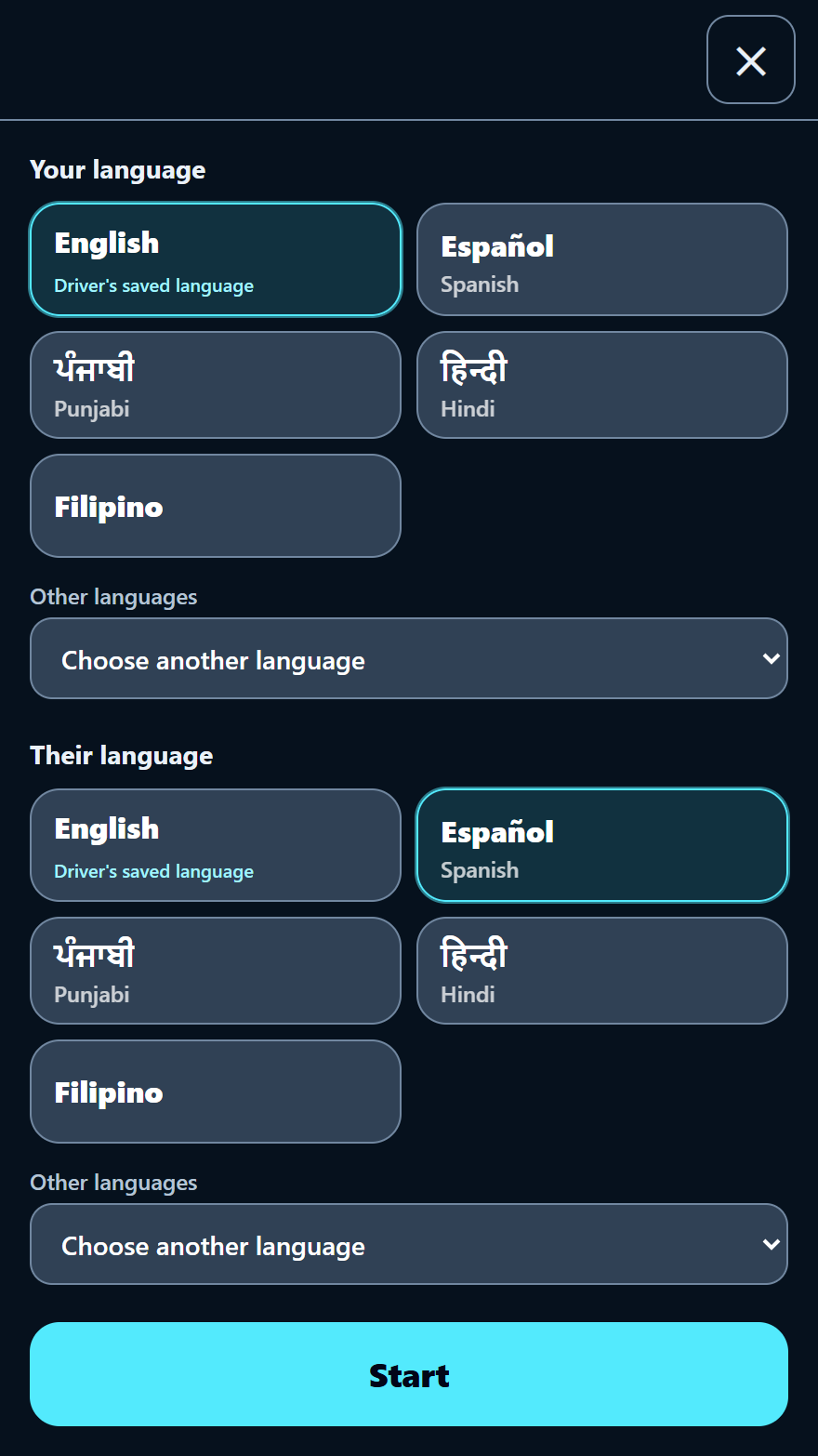
Participants choose the languages for the conversation.
Office help and translated replies
- 03
Ask dispatch for help
Participants share the interpreter session and load context with a selected dispatcher or manager. Choosing the helper connects the question to an office colleague who can review those details, subject to that person’s availability.
- 04
Read the reply in the chosen language
The selected helper can reply through the shared interpreter, with replies translated for the intended participants. Load context remains available for checking important details together; pilot access, supported languages, and interpretation accuracy still need confirmation.
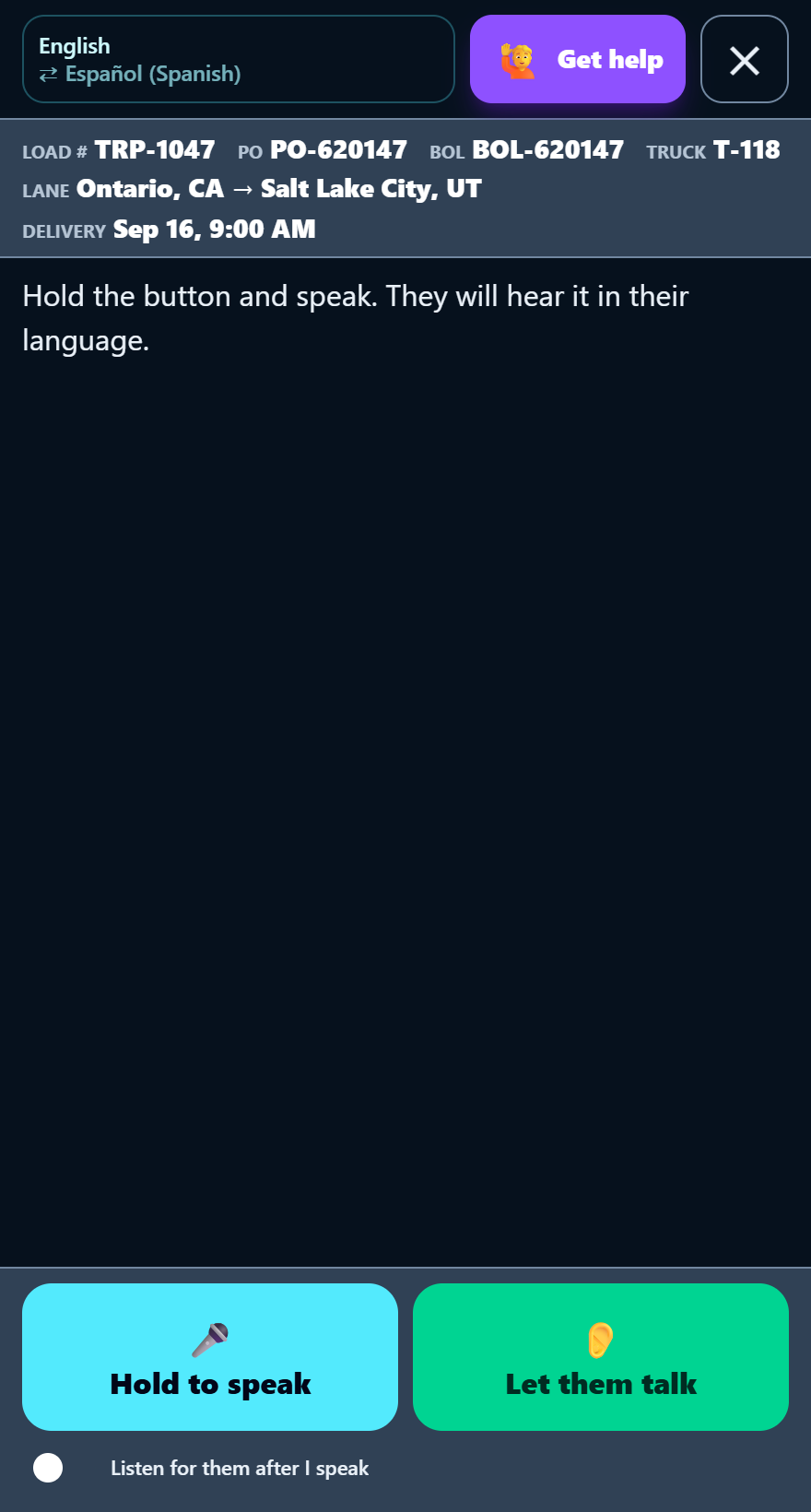
Load identifiers stay beside the conversation controls. An office reply is not pictured.
Confirm interpreter access and languages. Check important details; translation accuracy and helper availability are not guaranteed.