Dispatch
Prepare loads, give drivers stop instructions, and follow their updates and documents.
Load details and driver instructions
- 01
Keep the load details together
The office prepares the existing load with appointments, stop instructions, contacts, and equipment references. Those details carry into the driver’s guide, reducing the need to reconstruct the plan from separate messages.
- 02
Give drivers the details for each stop
The driver opens the stop-by-stop Trip Guide for instructions, references, contacts, and available trip documents. This operational view keeps the next stop clear without exposing office billing or broker-rate information.
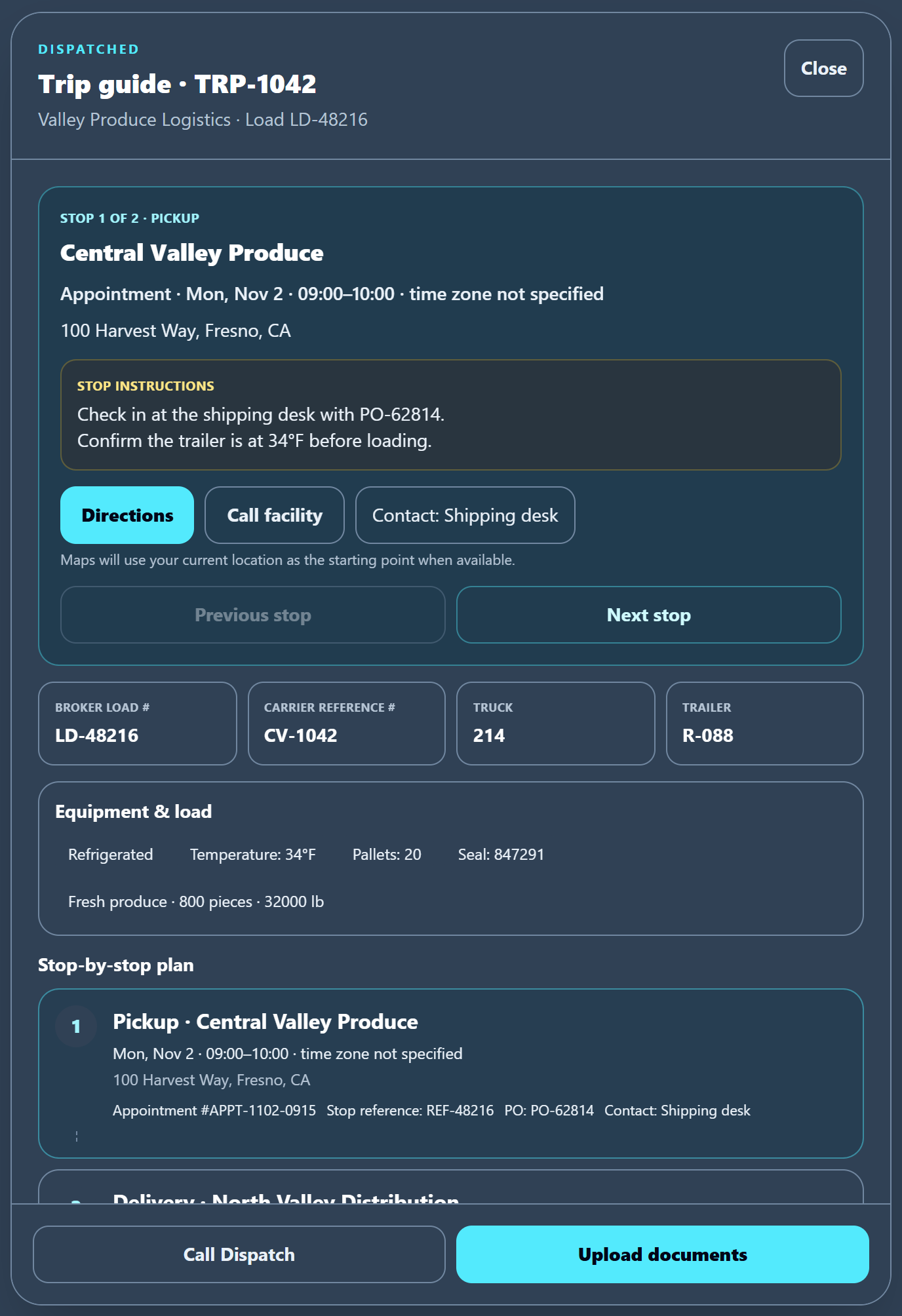
Load details as the driver sees them: appointment, instructions, and contact.
Driver updates and trip records
- 03
Hear the original driver update
The office reviews driver voice updates with original audio, available transcripts, and English interpretation. Keeping the source beside the interpretation gives follow-up a reference when a detail needs checking or correction.
- 04
Keep reports and documents with the trip
Uploaded documents and available walkaround records give the office evidence alongside trip updates. Staff use that context to resolve missing information and plan follow-up; the records do not automatically close out the trip.
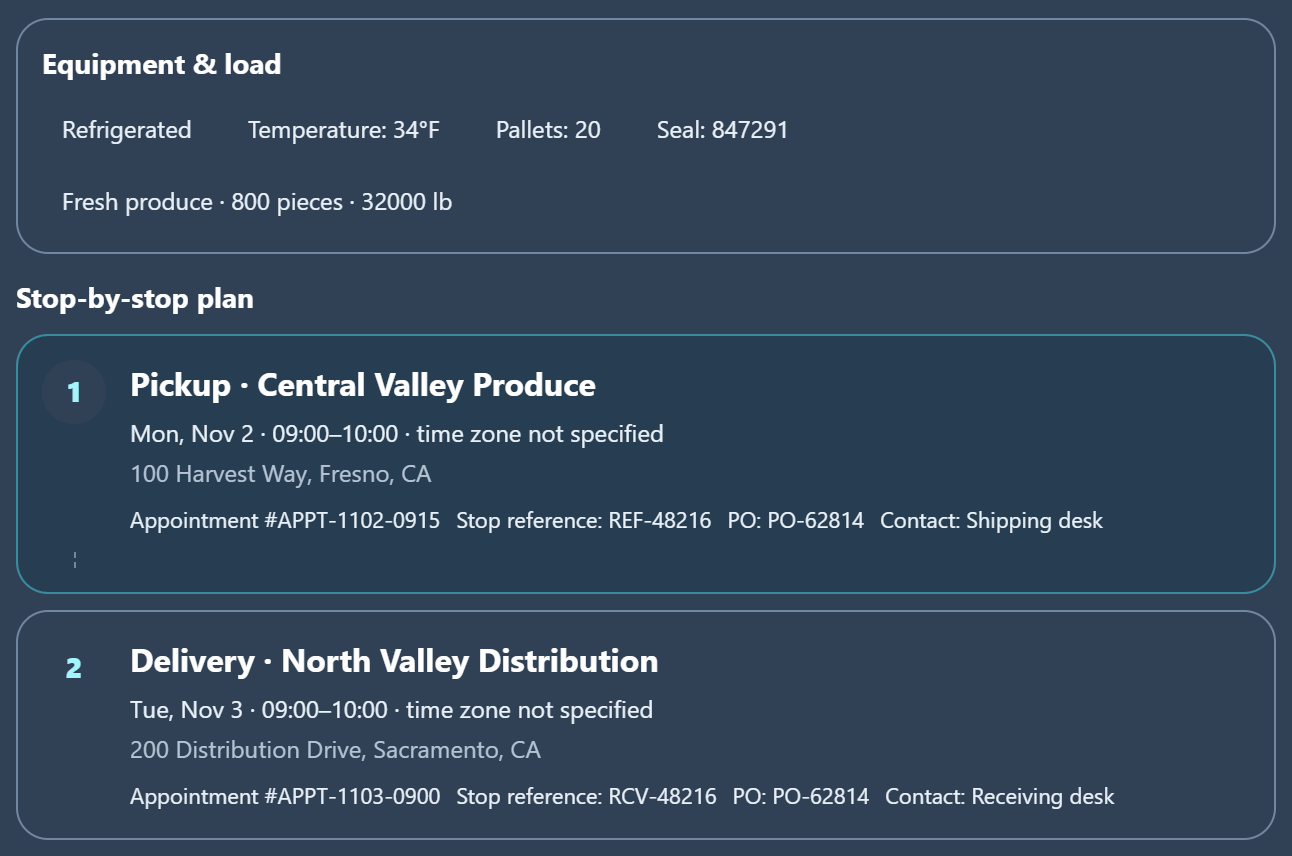
The same load, with equipment and stop references. Voice-review evidence is not shown here.
No freight search. External maps are not truck routing; confirm routes and instructions.